

Report sharing
How a local report becomes a link, how long it lasts, and where it is served from.
Click Share in a local screw-bugs report, sign in with GitHub on screwbugs.dev, and confirm. You get a link on reports.screwbugs.dev that anyone can open, no sign-in needed.
The flow
Click Share
Open the report over its http:// URL (a report opened from disk has no Share button). The browser goes to screwbugs.dev.
Sign in and confirm
Sign in with GitHub if needed. The page shows what will be uploaded; click Upload and get link.
Get the link
Your computer uploads the report, its screenshots and its videos. You land on the share's page: the link, a Copy button, when it expires, and Delete link.
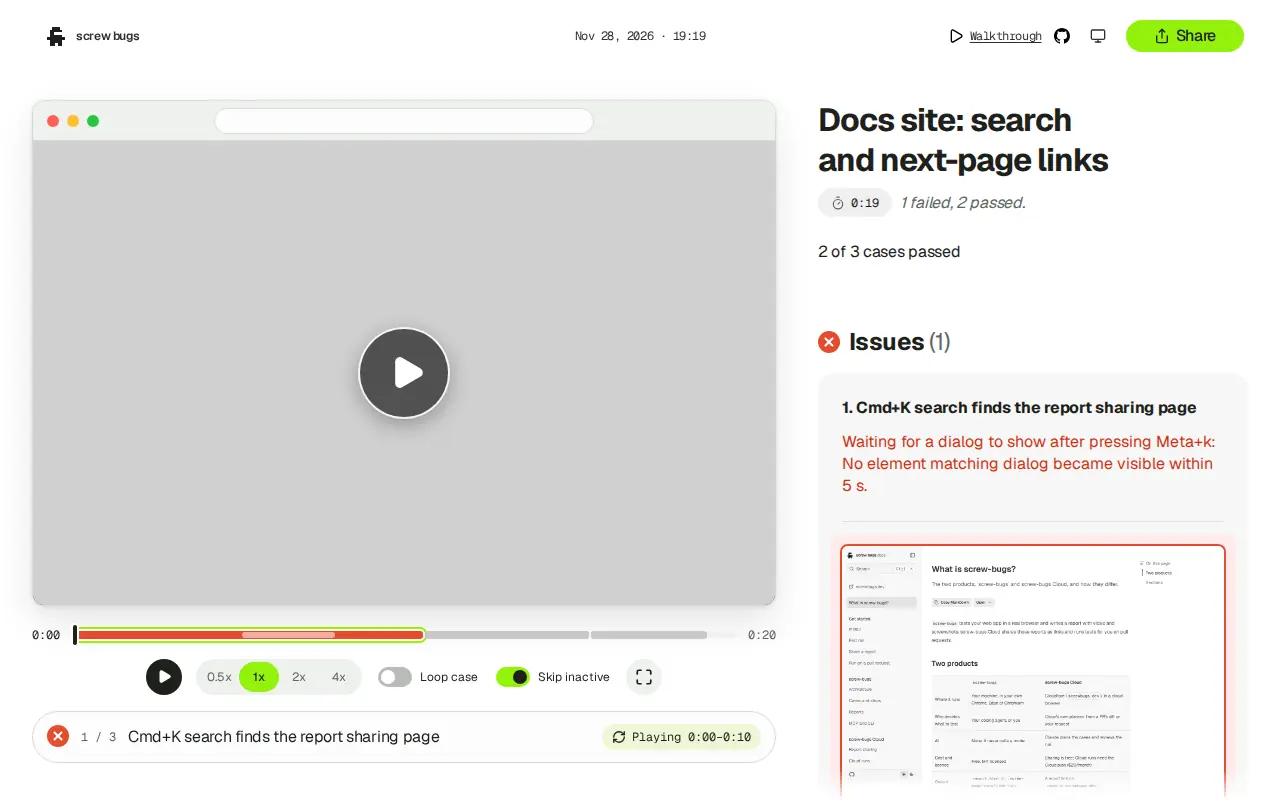
Only a person can share: the flow needs a click in the report and a confirmation on screwbugs.dev. There is no agent or CLI path.
How long a link lasts
| Who | Link |
|---|---|
| Free (anyone signed in) | Expires 7 days after you shared it |
| On the Cloud plan (not open yet) | Never expires, while you stay on the plan |
| Admins (the screw-bugs team) | Never expires, while you stay an admin |
- An expired link shows an "expired" page (410). Its files are removed for good 30 days later.
- Subscribing (or being made an admin) within those 30 days brings an expired link back.
- When the plan ends, your links older than 7 days expire at once.
Sharing from another device
When you opened the report from another device (over Tailscale, say), screwbugs.dev can't send the browser back to your computer. A code links the two instead.
- Click Share. The report shows a code like
ABCD-EFGHand a link toscrewbugs.dev. - Open the link, sign in, type the code, and click Upload and get link.
- Your computer uploads; the link appears in the report's tab.
- The code is valid for 10 minutes. Five wrong codes cancel the request.
screwbugs.devnever shows the code: only your own report does. So a link someone else sends you can't put their upload in your account.
My shares
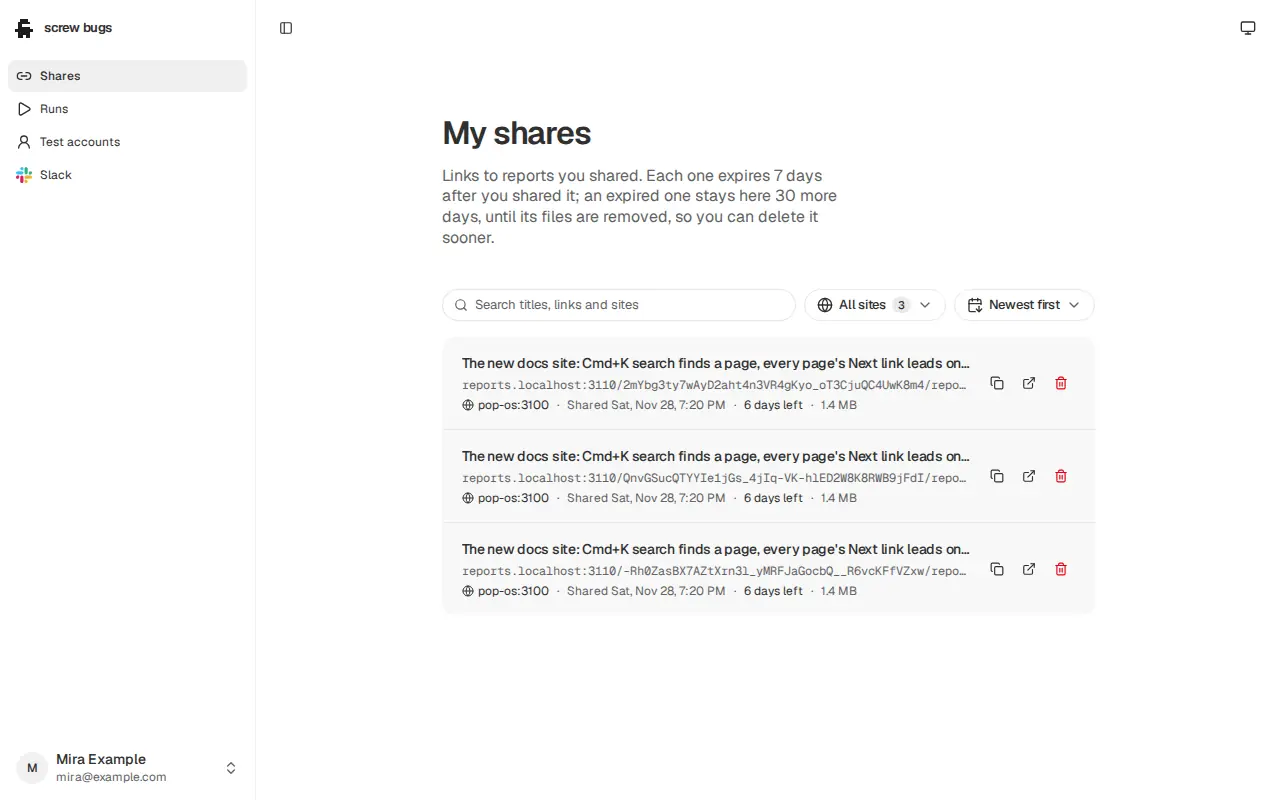
My shares (/shares on screwbugs.dev) lists every link you made, live or expired. Copy a link, or delete it: the report stops at once and its files stop loading within 5 minutes.
| Limit | Per person |
|---|---|
| Live shares | 50 |
| Storage | 1 GB |
| New shares per day | 10 |
| One share | 200 MB |
| One file | 95 MB |
How it works
Three hosts
| Host | Serves | Cookies |
|---|---|---|
screwbugs.dev | Sign-in, the share flow, My shares, the upload API | Session cookie |
reports.screwbugs.dev | Shared reports, rendered by a screw-bugs renderer | None |
media.screwbugs.dev | Screenshots and videos, straight from R2 | None |
Uploaded content never runs on screwbugs.dev, the login domain. A report holds text, links and files that someone else wrote; if any of it ever ran as script on the login domain, it could act as whoever opened it.
- Reports render on a host with no session, so there is nothing there to steal or use.
- Only screenshots and videos (
png,jpg,webp,webm,mp4) are accepted as files, never HTML or JSON, and they come only from the media host.
Renderer versions
A report is drawn by the renderer of the screw-bugs release line that made it (0.1.x reports by the 0.1 renderers).
| URL | Renderer |
|---|---|
reports.screwbugs.dev/<slug>/report | The newest of the report's line |
reports.screwbugs.dev/latest/<slug>/report | The same |
reports.screwbugs.dev/v0-1-2/<slug>/report | That release's, for a report it made, while Cloud has it |
/<slug>/walkthroughworks the same way, when the run had one.- A prerelease's report (a
nextbuild) is only at/<slug>/report.
The upload protocol
- Share makes a random
stateand opensscrewbugs.dev/share/new?callback=<loopback URL>&state=…. - After sign-in and confirmation,
screwbugs.devredirects to the loopback callback with a one-share ticket (valid 30 minutes). From another device, the local server claims the ticket with its pairing secret instead. - The local server sends
POST /api/shareswith the version, the scrubbed report bundle and the list of files. - Cloud checks the bundle against that version's schema and the limits, and answers with a slug and upload URLs.
- The local server sends each file with
PUT /api/shares/<slug>/files/<path>. POST /api/shares/<slug>/completechecks every file arrived and makes the link live.
Before anything is sent, the local side hides secrets in the report's text (typed passwords, tokens in URLs). Screenshots and videos are uploaded as captured: anything visible on screen is in the share. Full details: Cloud's docs/upload-protocol.md.