

Share a report
How to turn a local report into a link anyone can open.
Click Share in a report, sign in with GitHub, and click Upload and get link. Anyone with the link can open it, no sign-in.
Open the report link
Open the link your agent gave you. A report opened as a file has no Share button.
Click Share
screwbugs.dev opens, signs you in with GitHub, and shows what will be uploaded. Nothing has left your machine yet.
Check the screenshots before you upload
Typed passwords and tokens in addresses are hidden. Screenshots and videos are uploaded as they are: anything visible on screen is in the share.
Click Upload and get link
Your computer uploads the report. You land on the share's page: the link, when it expires, and Delete link.
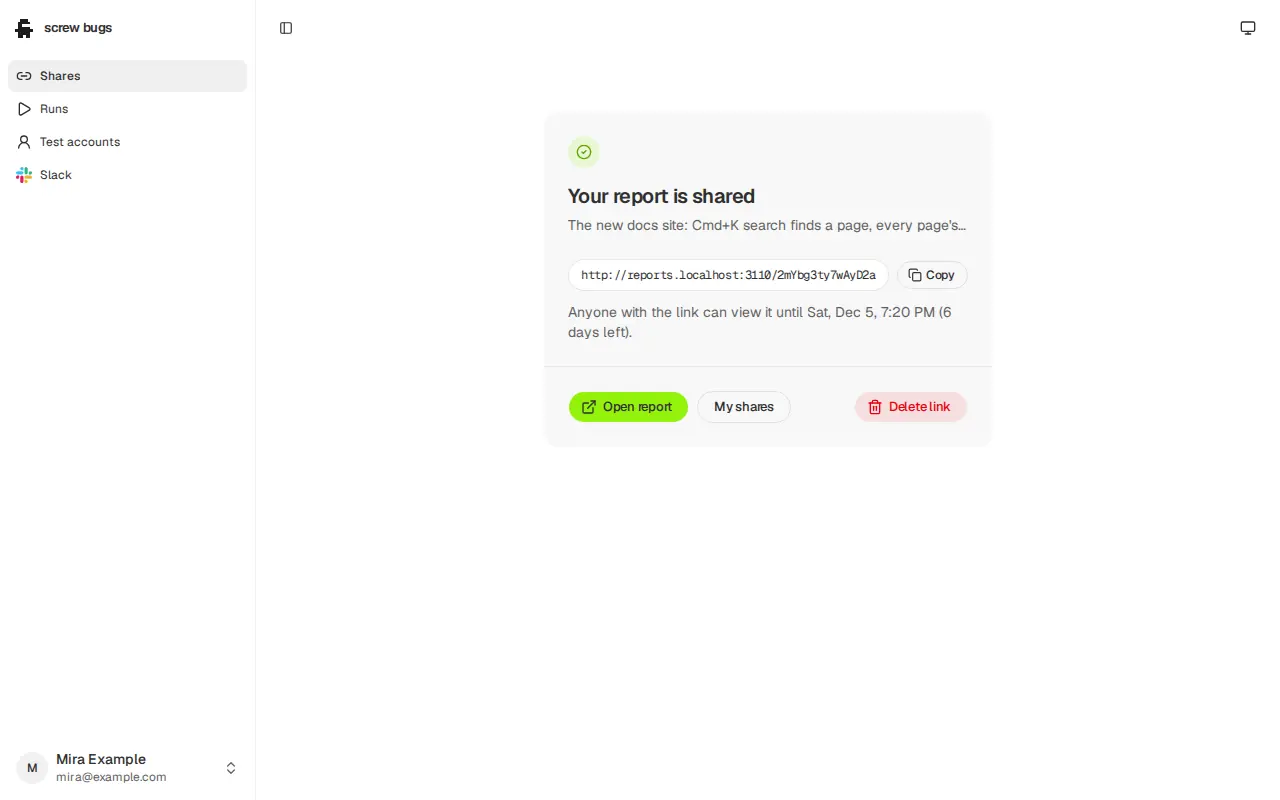
How long a link lasts
| Who | Link lasts |
|---|---|
| Everyone | 7 days |
| The screw-bugs team | Never expires |
Your links are on My shares (screwbugs.dev/shares).
More: Report sharing.
For agents
There's no tool or command to share. Give the user the report's http:// link and ask them to click Share.